







West Virginia’s Almost Heaven Swings
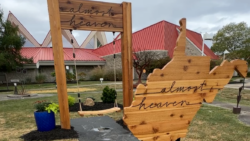
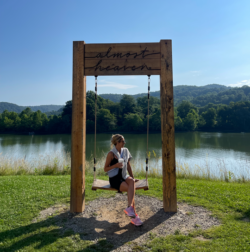
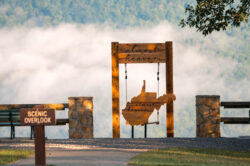
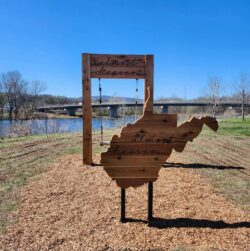
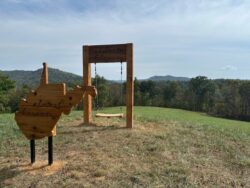
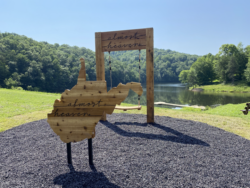
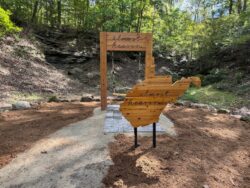
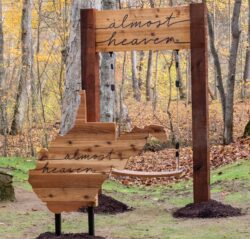
If you’re looking for West Virginia’s most iconic views, you’ve come to the right place. Get ready to roll your windows down and turn your radio up. Adventure is calling with the new “Almost Heaven” SWINGO Challenge. Get started by downloading your BINGO card today.Adventure is in full swing!
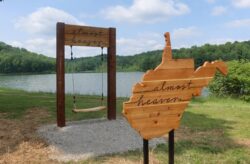
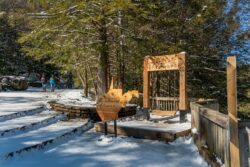
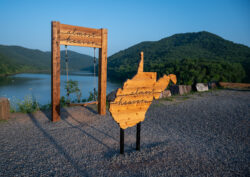
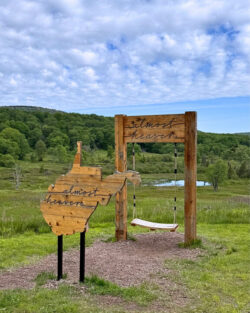
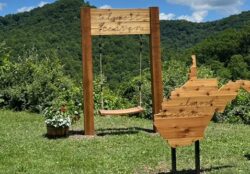
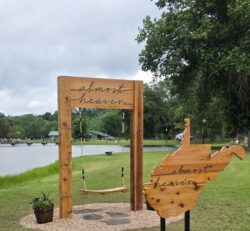
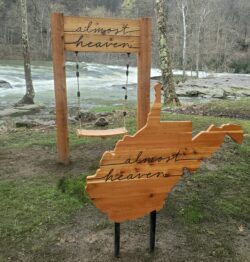
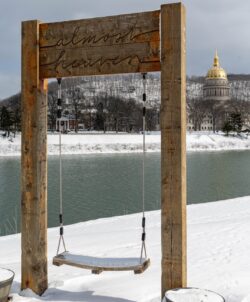
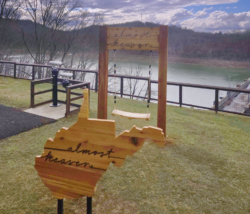
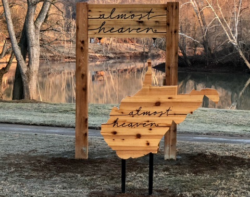
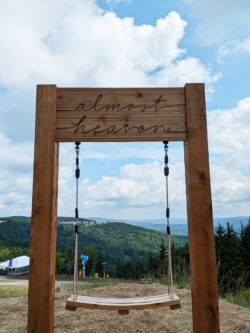
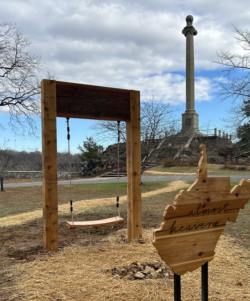
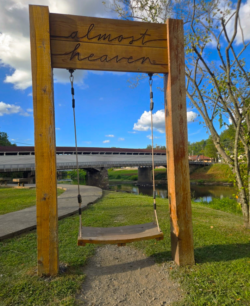
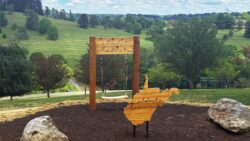
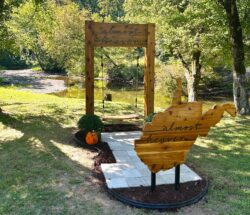
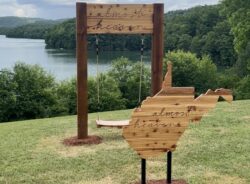
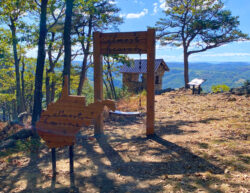
Take on the “Almost Heaven” SWINGO Challenge! It’s the West Virginia twist on BINGO you didn’t know you needed. Hit those winding country roads, discover our iconic wooden swings, and fill your digital card to snag exclusive swag. Get started by downloading your BINGO card today. ➡️
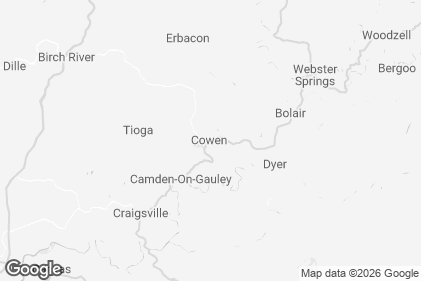
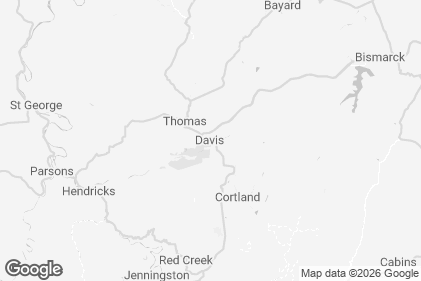
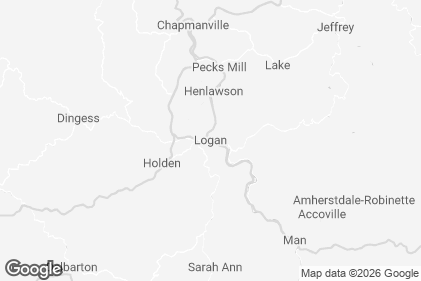
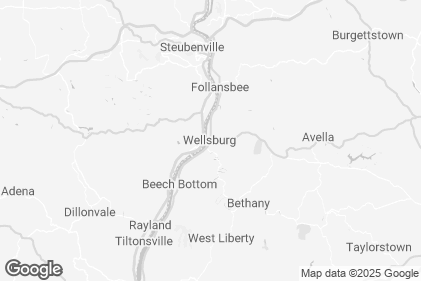
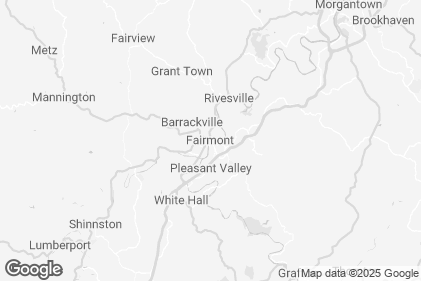
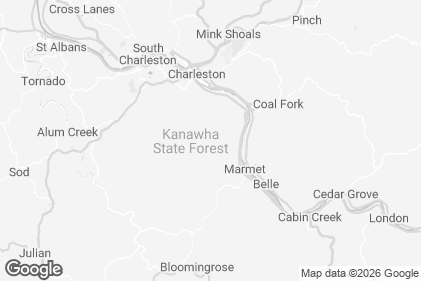
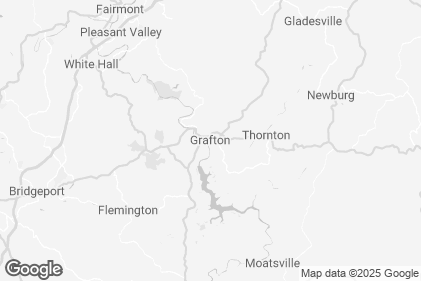
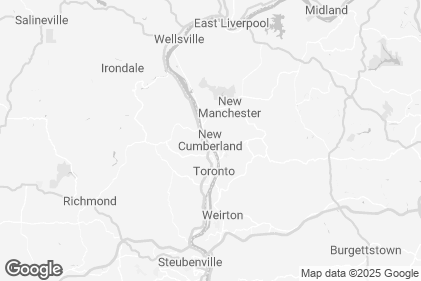
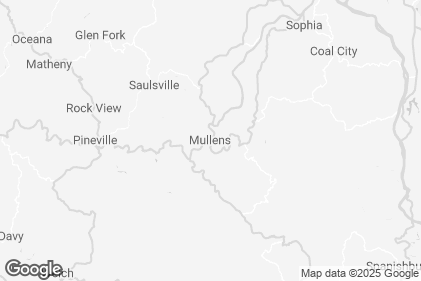
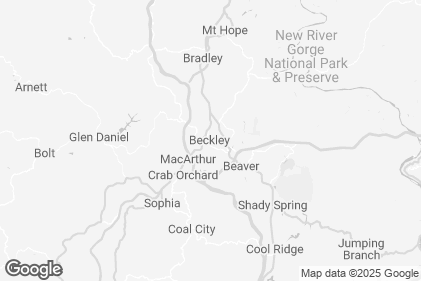
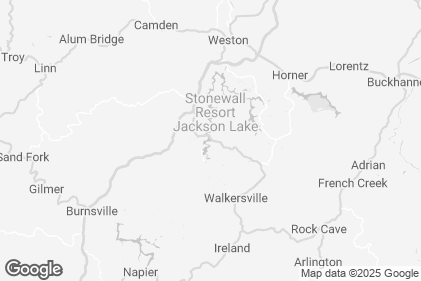
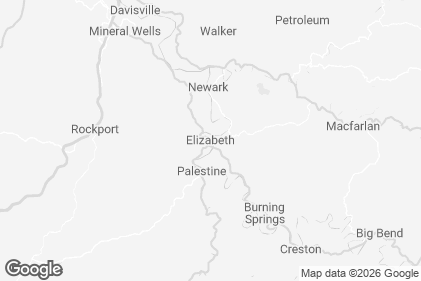
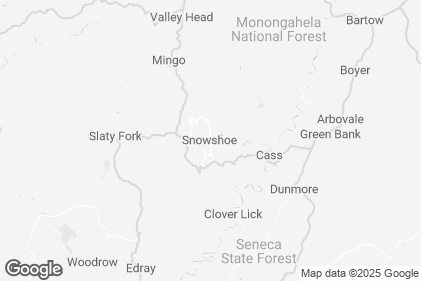
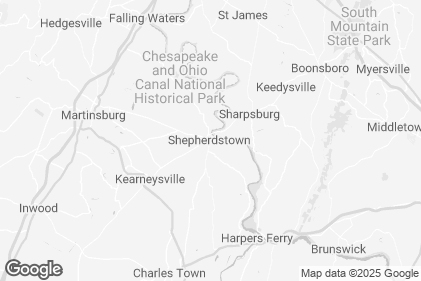
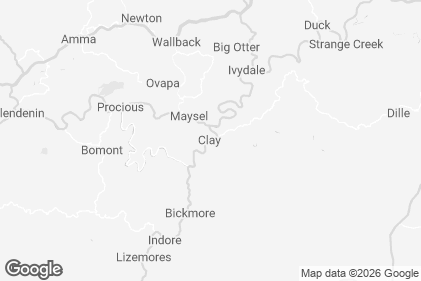
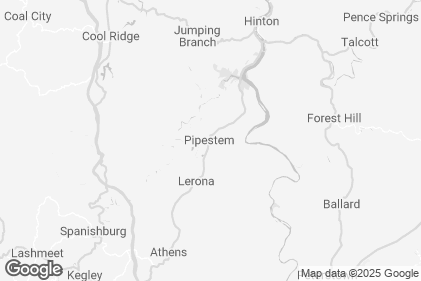
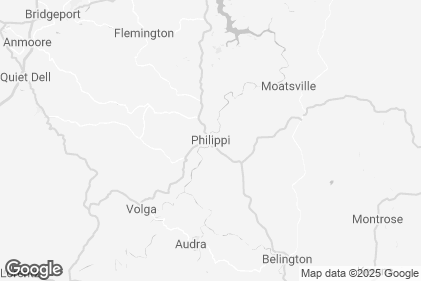
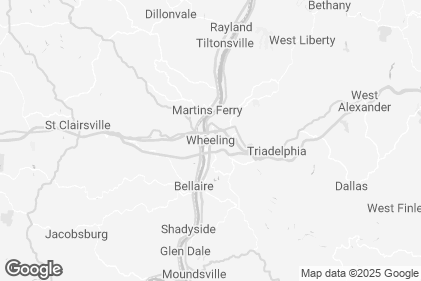
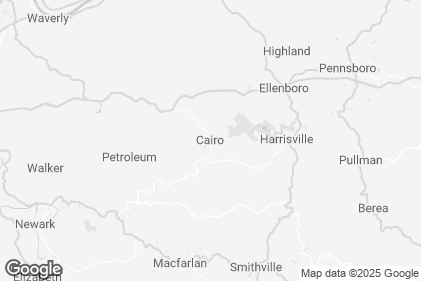
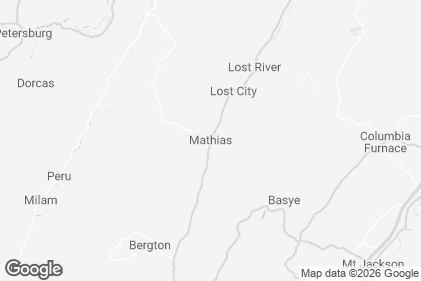
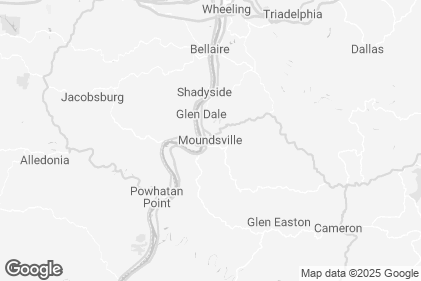
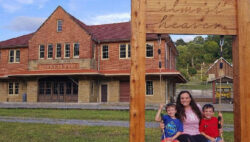
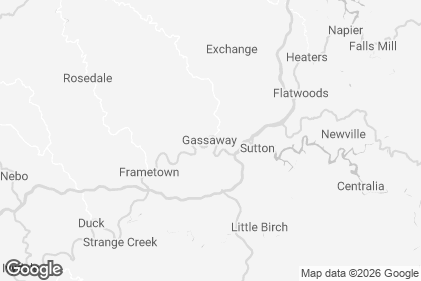
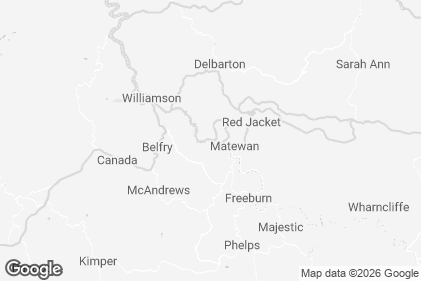
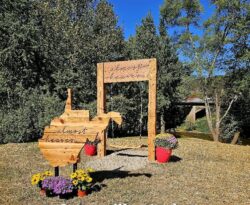
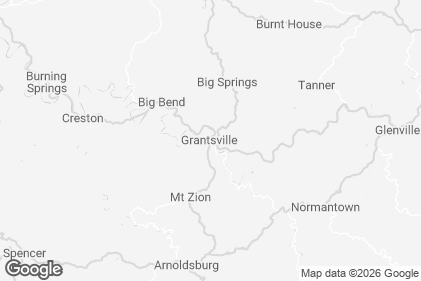
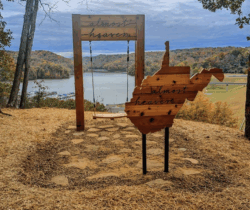
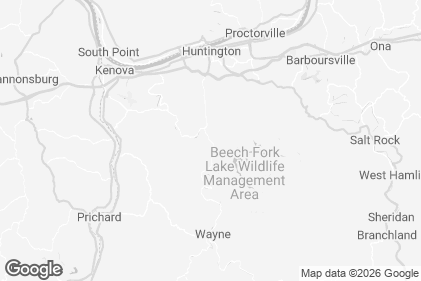
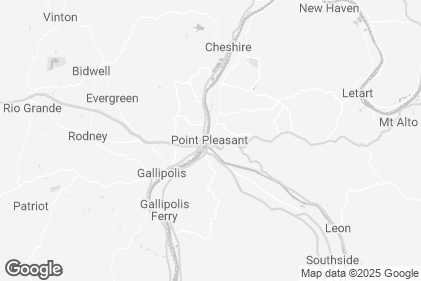
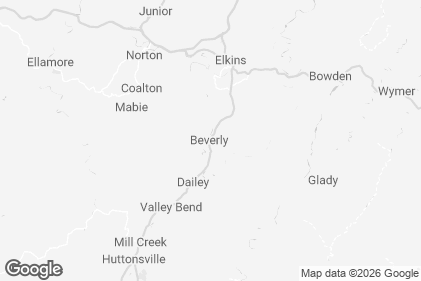
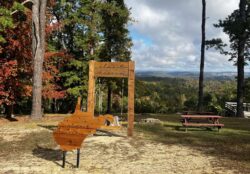
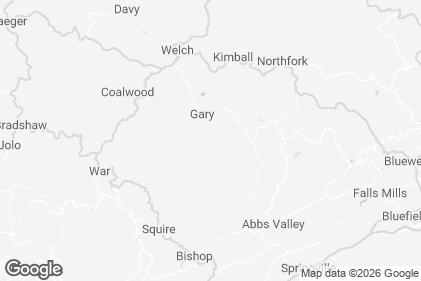
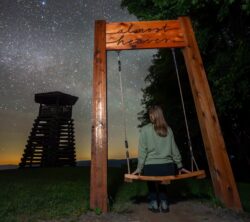
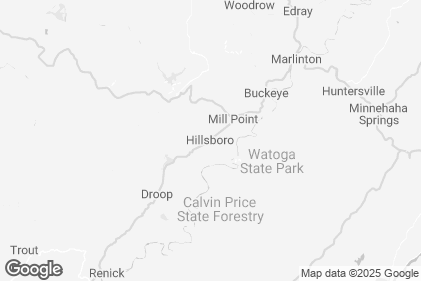
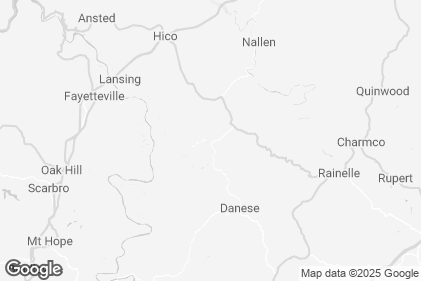
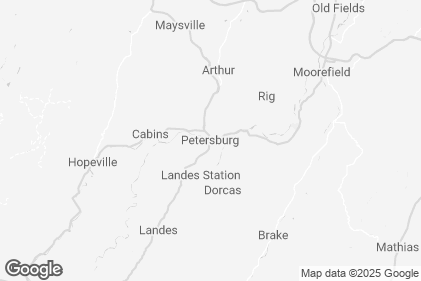
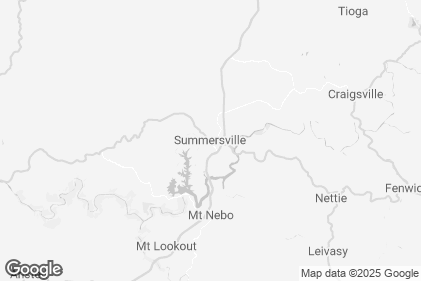
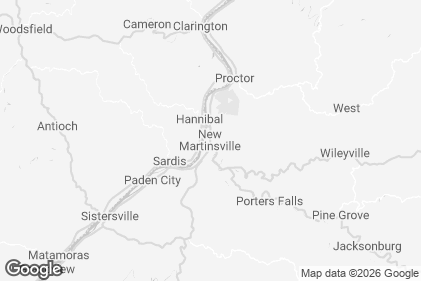
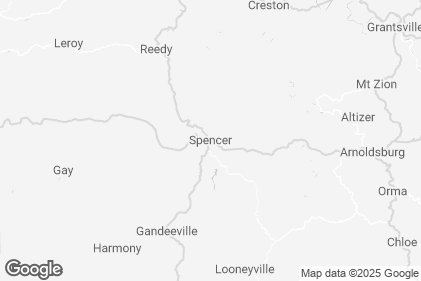
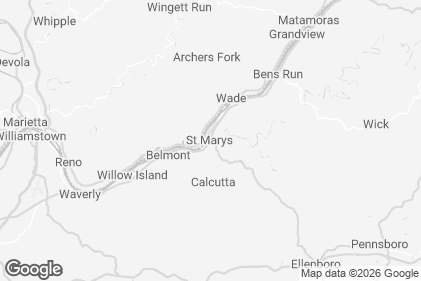
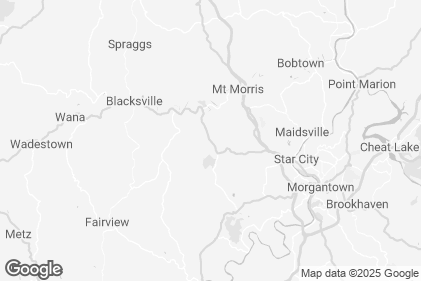
Find Almost Heaven Swings Near You

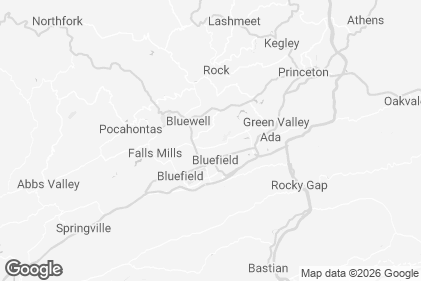
 View on Map




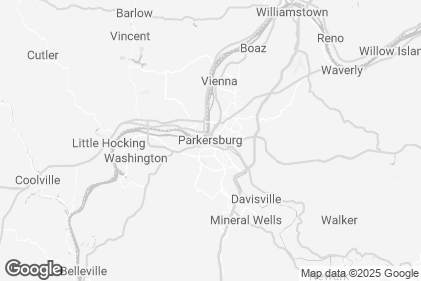
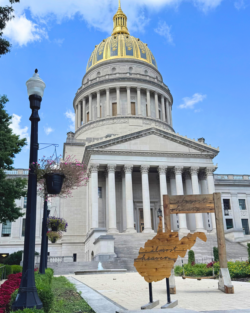
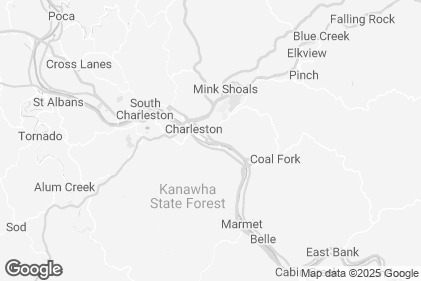
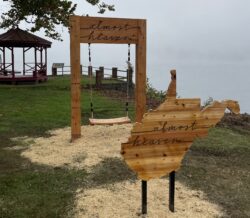

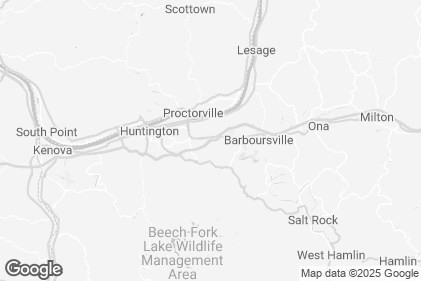
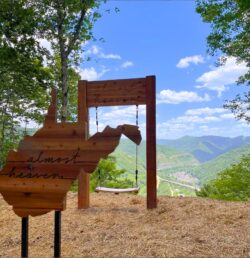
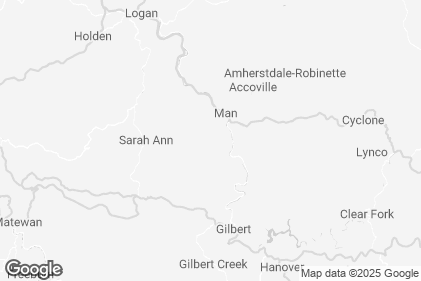
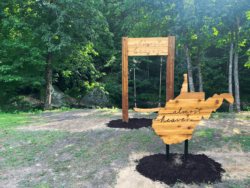


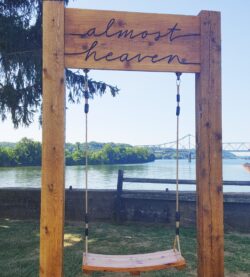
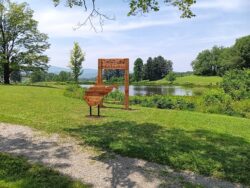


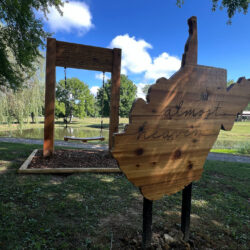
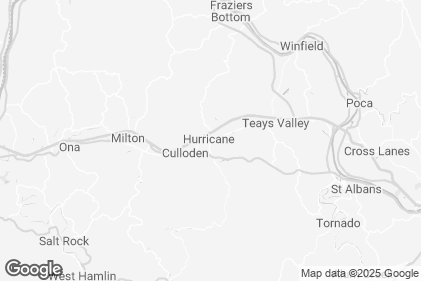
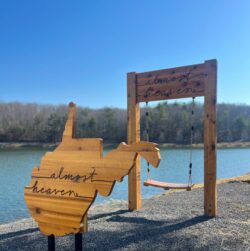
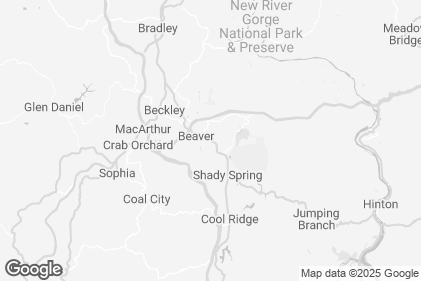
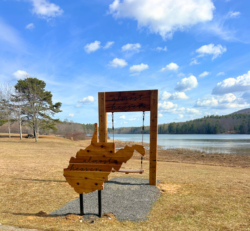
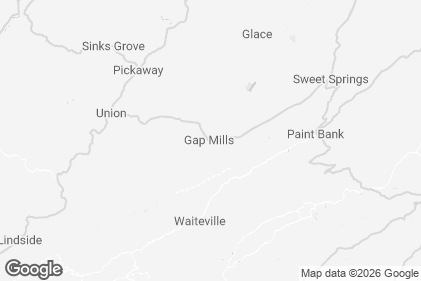

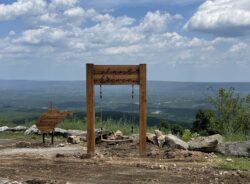
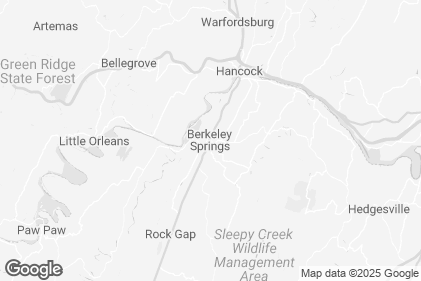
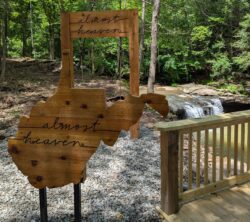
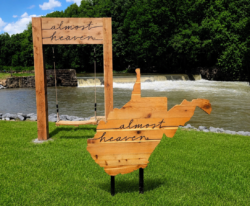
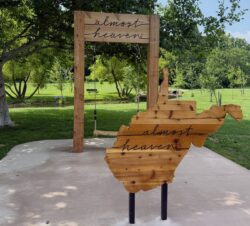
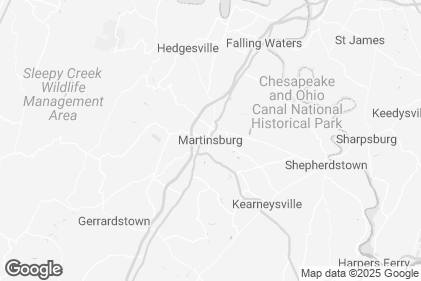
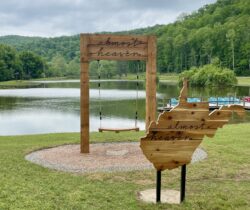
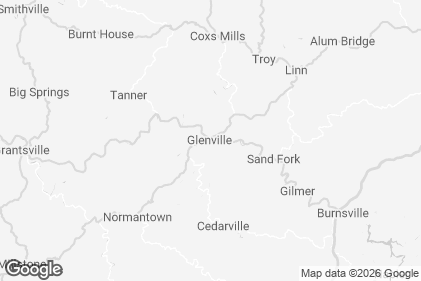
Already signed up but having trouble logging in?
Email, call or text support@bandwango.com / (888) 921-5333 to have your passport re-sent straight to your phone.
Get Started Today

Step 1 – Sign Up
Register to get your Almost Heaven SWINGO Card by clicking here and filling out your contact information.
Step 2 – Get Your Card
After signing up, your digital SWINGO Card will be instantly delivered to your phone via text or to the email provided.

Step 3 – Check-In
Explore the Almost Heaven Swings of West Virginia! Open your card on your phone, scroll to find the swing you’re visiting and check in to mark it off your card.
VISIT SWINGS, EARN PRIZES
Earn a 5 space BINGO:
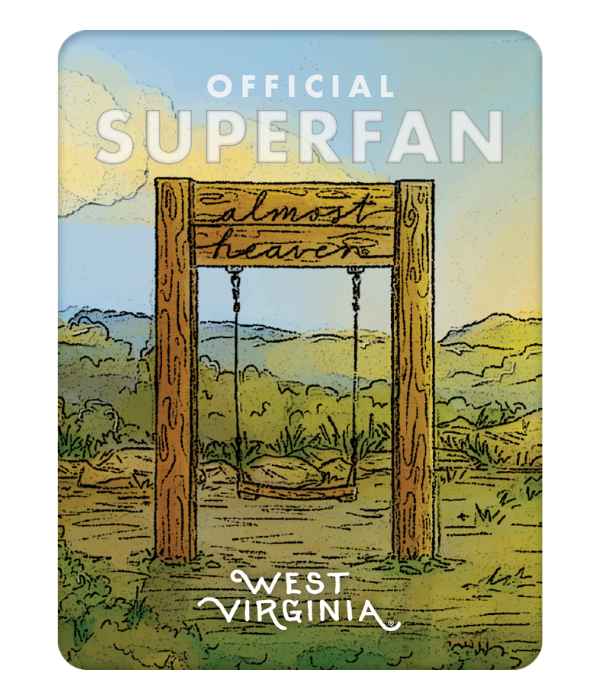
If you check off 5 spaces in a row, then SWINGO – you’ve earned a superfan sticker!
Cover your entire SWINGO Card:
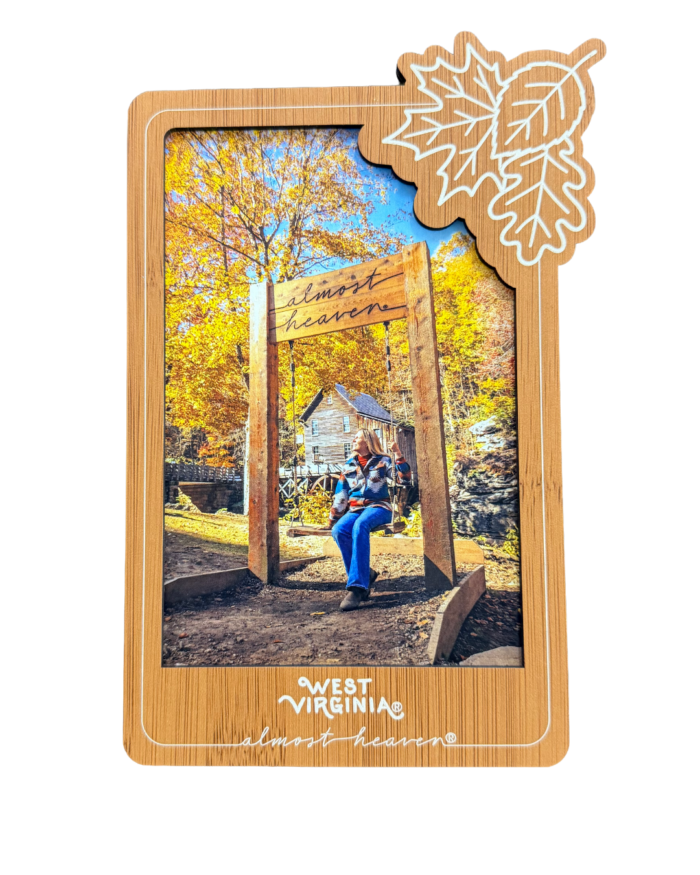
If you check off all spaces on your card, you’ll earn a seasonal magnetic photo frame!
While Supplies Last
Sign Up for your SWINGO CardSpotty service while checking off swings? No problem! Check in when you’re able to reconnect! All check ins can be done within a 5-mile radius of each location.
For any questions regarding the check ins, and to submit photos of sites where you were unable to check in, please contact Bandwango by email (support@bandwango.com) or phone (888-921-5333). For other questions, please call the West Virginia Department of Tourism at (304) 558-2200.
*Limited to one sticker and one photo frame per completed card. No purchase necessary to participate.
Explore Our Frequently Asked Questions
Call, text or email Bandwango, the technology company hosting this passport, at one of the following to get checked in after your visit. – Call or text: (888) 921-5333 – Email: support@bandwango.com
Please provide a photo of the swing you visited.
Email, call or text support@bandwango.com / (888) 921-5333 to have your card re-sent straight to your phone.
Once you have checked in at enough swings to be eligible for a prize, you will receive an email and/or text message (depending on the contact information you provided when you signed up). This communication will ask you to redeem your prize, and you’ll be invited to enter your address at that point.
No, the checked spaces are cumulative. So, after you redeem your sticker, you’ll need to cover your entire card to redeem the photo frame.
We would love for your whole family to join in on the SWINGO fun! We recommend using a secondary email address to sign your child up for their card. Follow the link in the introductory email that you receive at that alternate address and save the card to your phone’s home screen. You may want to include an identifier, such as the child’s initials, when you create the icon on your home screen that you’ll use for their card. This will help you keep track of who has checked in and where.
Unfortunately, visits made prior to ordering the pass are not eligible for a manual check in.